When the Outage Is the Attack: What the Microsoft 365 Phishing Wave Means for Small Businesses
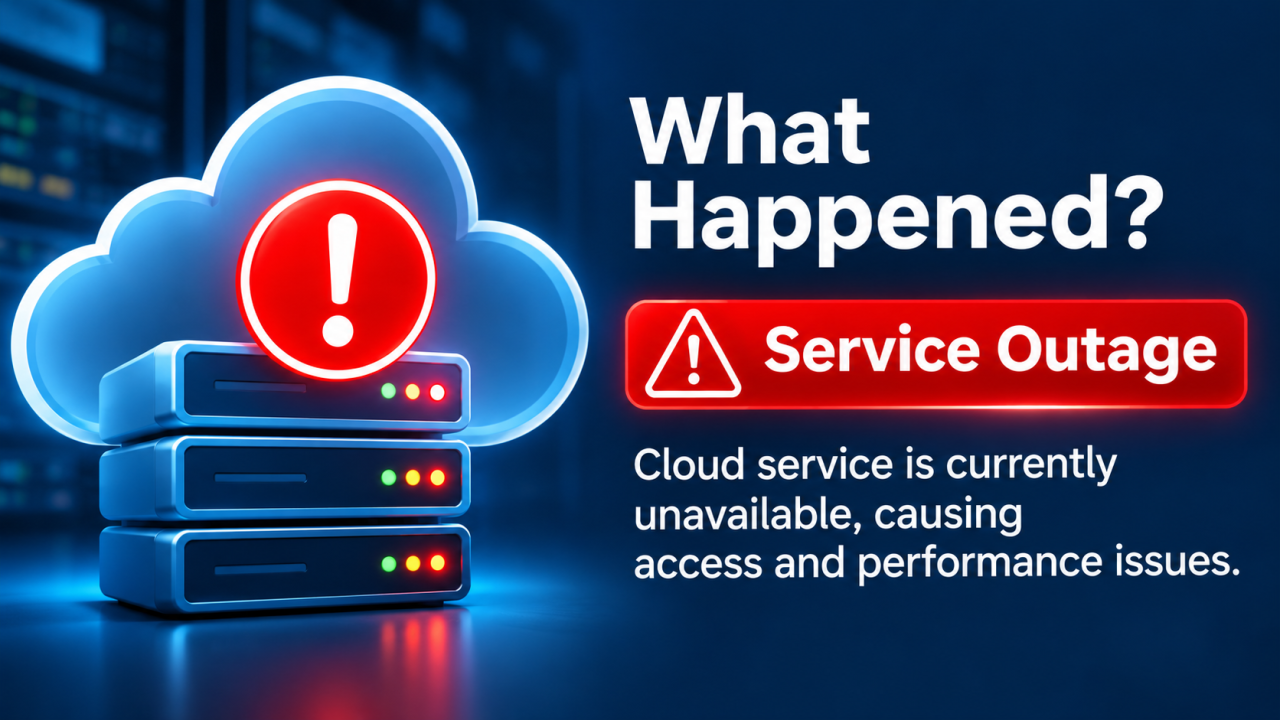
On November 12, a Microsoft 365 outage knocked Exchange Online, Outlook, Teams, SharePoint, and Copilot offline for several hours across dozens of countries. Microsoft later confirmed the disruption was a technical failure, not a cyberattack. But the outage itself turned out to be the opening act. Within about 24 hours, Microsoft Threat Intelligence was tracking a coordinated phishing campaign that used the real incident, down to its official tracking number, to steal Microsoft 365 credentials from organizations across multiple industries.
For small and mid-sized businesses, the story is a useful case study in how modern social engineering actually works, and why "we use Microsoft 365, so we're fine" has never been a complete security strategy.
What Happened
The outage began around 18:26 UTC on November 12 and was tied to a service incident Microsoft tracked as EX1550543. Exchange Online bore the brunt of it, with ripple effects across Outlook, Teams, SharePoint, and Copilot. Microsoft marked the incident resolved the next day, with full recovery continuing into November 14.
That is where the second incident began. Starting the afternoon of November 13, security researchers and Microsoft's own threat intelligence team observed a wave of phishing emails styled as official Microsoft 365 service notices. One threat-hunting team tracked over 250 of these messages arriving within a few hours, with subject lines following an "Outage" pattern and sender names designed to look like internal IT or support desks. The emails claimed that mail had been held or queued during the disruption and would be permanently deleted within 24 hours unless the recipient clicked through to "restore" it. Clicking led to a credential-harvesting page built to capture Microsoft 365 logins and in some documented cases, session tokens capable of bypassing multi-factor authentication altogether.
By citing the real, verifiable incident number, the attackers gave their lure a level of legitimacy that generic phishing rarely achieves. Microsoft Threat Intelligence and independent researchers both noted that native email security filters caught a meaningful share of these messages, but not all of them. SANS Internet Storm Center covered the campaign in its November 16 Stormcast briefing, flagging it alongside other active threats as a textbook example of attackers folding real-world events into phishing content almost in real time.
Why This Should Matter to SMBs Specifically
It's tempting to file this under "big company problem." It isn't.
Microsoft 365 is the backbone of email, file sharing, and collaboration for a large share of small and mid-sized businesses often without a dedicated security operations team watching for exactly this kind of opportunistic campaign. Industry research cited alongside this incident found Microsoft brand impersonation accounted for roughly a third of all brand-based phishing attempts in the most recent quarter, by far the largest share of any single brand. Attackers target Microsoft 365 specifically because the payoff, a single set of credentials that often unlocks email, files, calendars, and connected apps, is so high relative to the effort.
Three things made this particular campaign effective, and all three are structural, not a fluke:
- It exploited a real event employees already believed was true. People weren't primed to be suspicious of an "outage notice" because the outage was real.
- It created urgency with a short, plausible deadline (message deletion in 24 hours) that discourages the "slow down and verify" instinct.
- Some variants reportedly captured session tokens rather than just passwords meaning MFA alone, while essential, isn't an absolute backstop against this class of attack.
The Compliance Angle
This kind of incident sits squarely inside the frameworks most SMBs are already supposed to be following, whether or not they've formalized it.
Under the NIST Cybersecurity Framework, the Detect and Respond functions call for exactly this kind of scenario planning: knowing how your organization would recognize a credential-phishing wave and what the response workflow looks like once it does. The CIS Critical Security Controls are even more direct, with Control 14 (Security Awareness and Skills Training) specifically calling for employees to be trained to recognize social engineering, and Control 6 (Access Control Management) pointing toward phishing-resistant authentication and session management as the stronger layer behind MFA.
For healthcare organizations and their vendors, HIPAA's Security Rule requires documented workforce training and incident response procedures as phishing remains one of the most common initial access points behind reportable healthcare breaches. Organizations handling federal contract data under CMMC, or working with FERPA-covered student records, face similar baseline expectations: train people, log anomalous access, and have a tested plan for what happens when credentials are compromised.
None of these frameworks require predicting the next Microsoft outage. They require having the muscle memory in place before the next plausible-sounding, time-pressured email lands.
What SMBs Should Actually Do
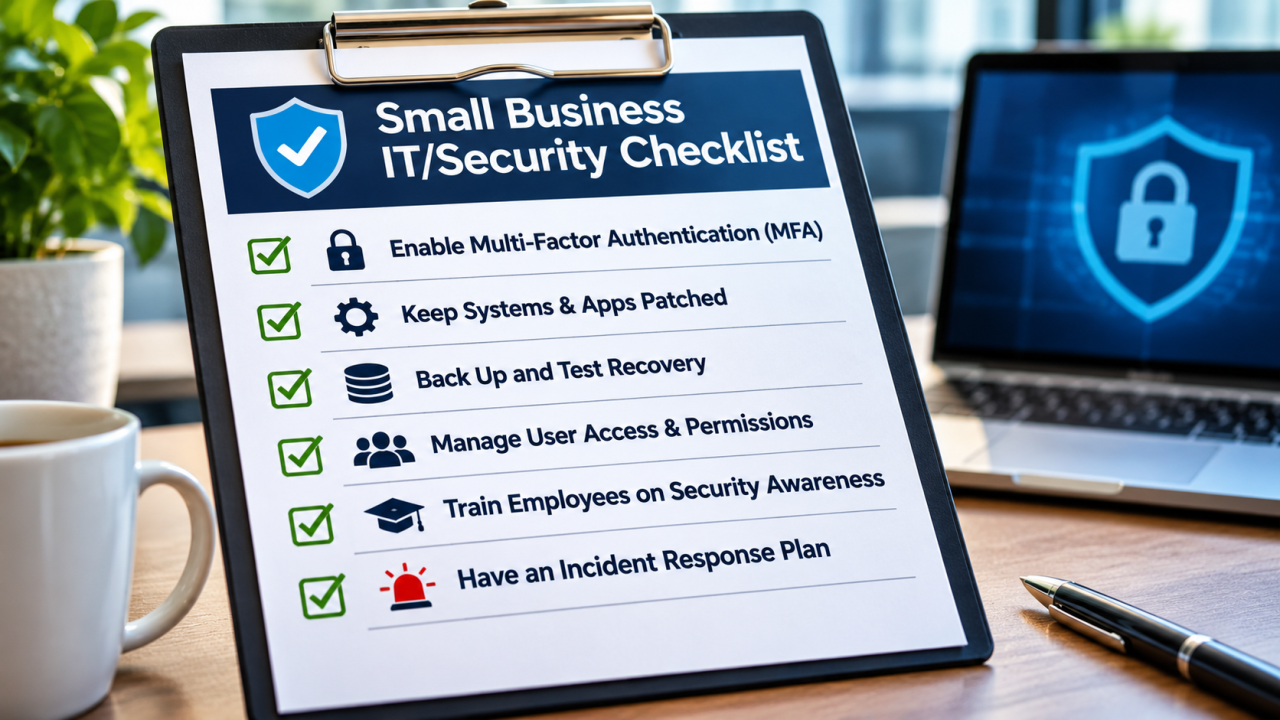
A few concrete, low-cost steps go a long way:
- Teach employees to verify service disruptions directly through the Microsoft 365 admin center or your IT provider never through a link in an email, however official it looks.
- Treat any message combining urgency, a deadline, and a login prompt as a default red flag, regardless of how specific or accurate the details seem.
- Move toward phishing-resistant authentication (such as FIDO2 security keys or certificate-based login) for any account with access to sensitive data, since session-token theft can sidestep traditional MFA.
- Review mail-forwarding rules and sign-in logs periodically, not just after a suspected incident attackers who steal a session token often set up quiet forwarding rules to maintain access.
- Build (and actually rehearse) a short incident response checklist: who gets notified, how credentials get reset, and how sign-in sessions get revoked if a compromise is suspected.
The Bottom Line
The Microsoft 365 outage lasted about a day. The phishing campaign that rode in on its coattails is a reminder that attackers don't need a new vulnerability to get into your business they need a believable moment and an employee without a second to double-check. For SMBs trying to build a credible security and compliance posture, incidents like this one are exactly the kind of real-world scenario worth folding into training, policy, and incident response planning, rather than treating as someone else's headline.